Can't connect even after switching locations or protocols? Your VPN profile might be out of date or damaged. You can replace it with a fresh one in a few taps—no need to delete the app. This article shows you how to do that from your Home Screen.
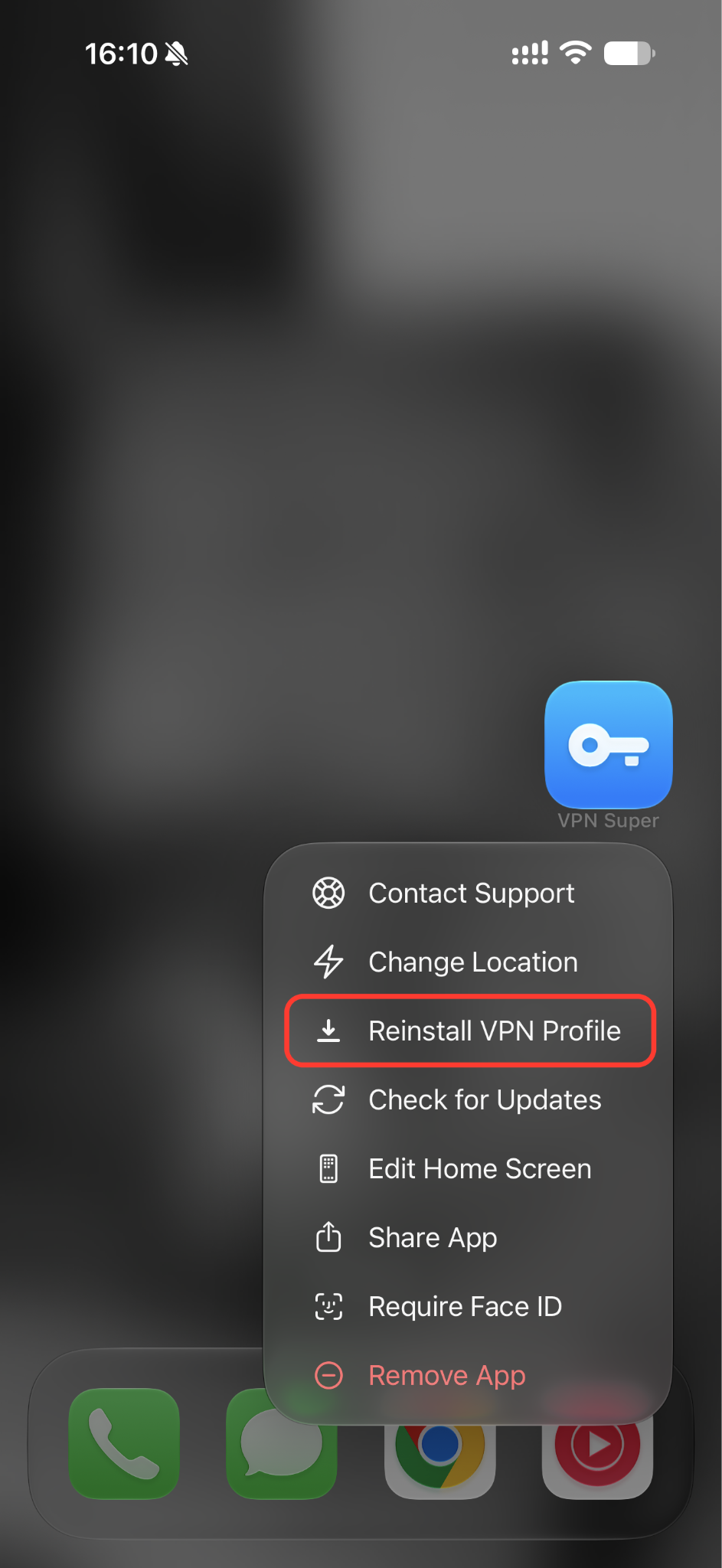
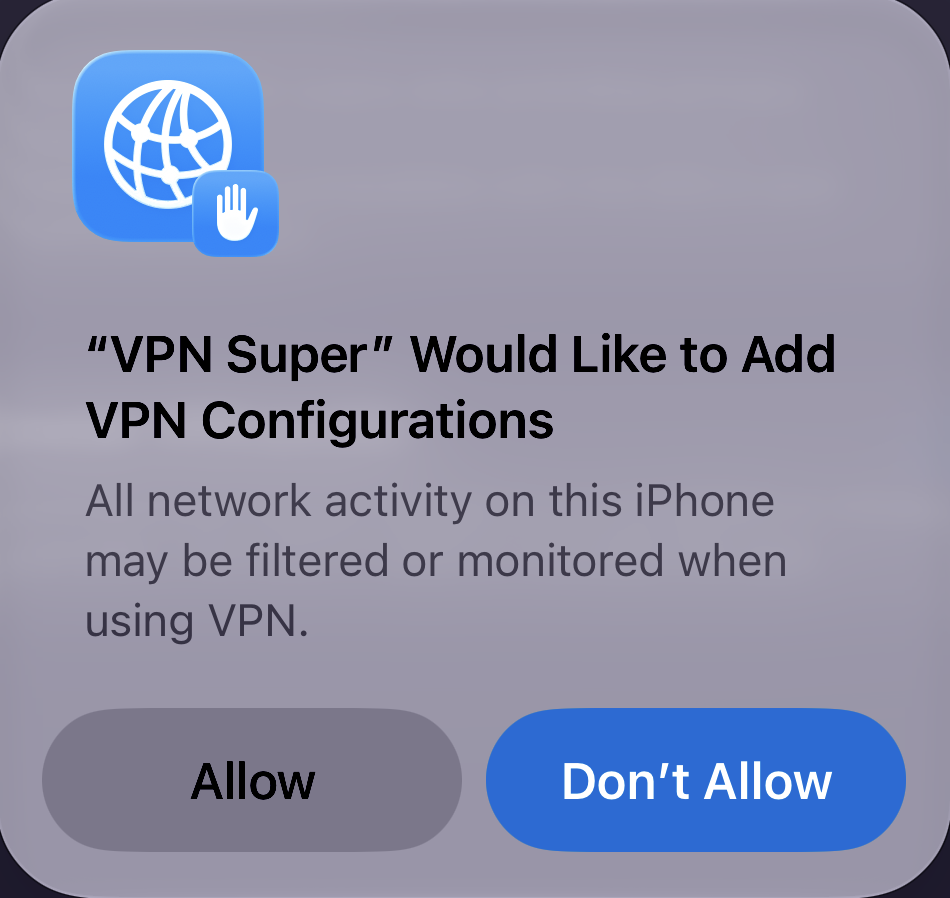
Your account, subscription, and app settings stay the same. Only the VPN profile is replaced.
No problem. Run the reinstall again, or just tap Connect and choose Allow when iOS asks.
Try to reinstall VPN Super. If it still doesn't work, please submit a request to our Support Team.
For more fixes, see Can't connect to VPN Super.
If you still can't connect after reinstalling, submit a request to our Support Team and we’ll help you get back online.
Was this article helpful?
Thank you! Your feedback means a lot to us.
We will work on improving this article.