Apple logostar ratings
2.1M Ratings

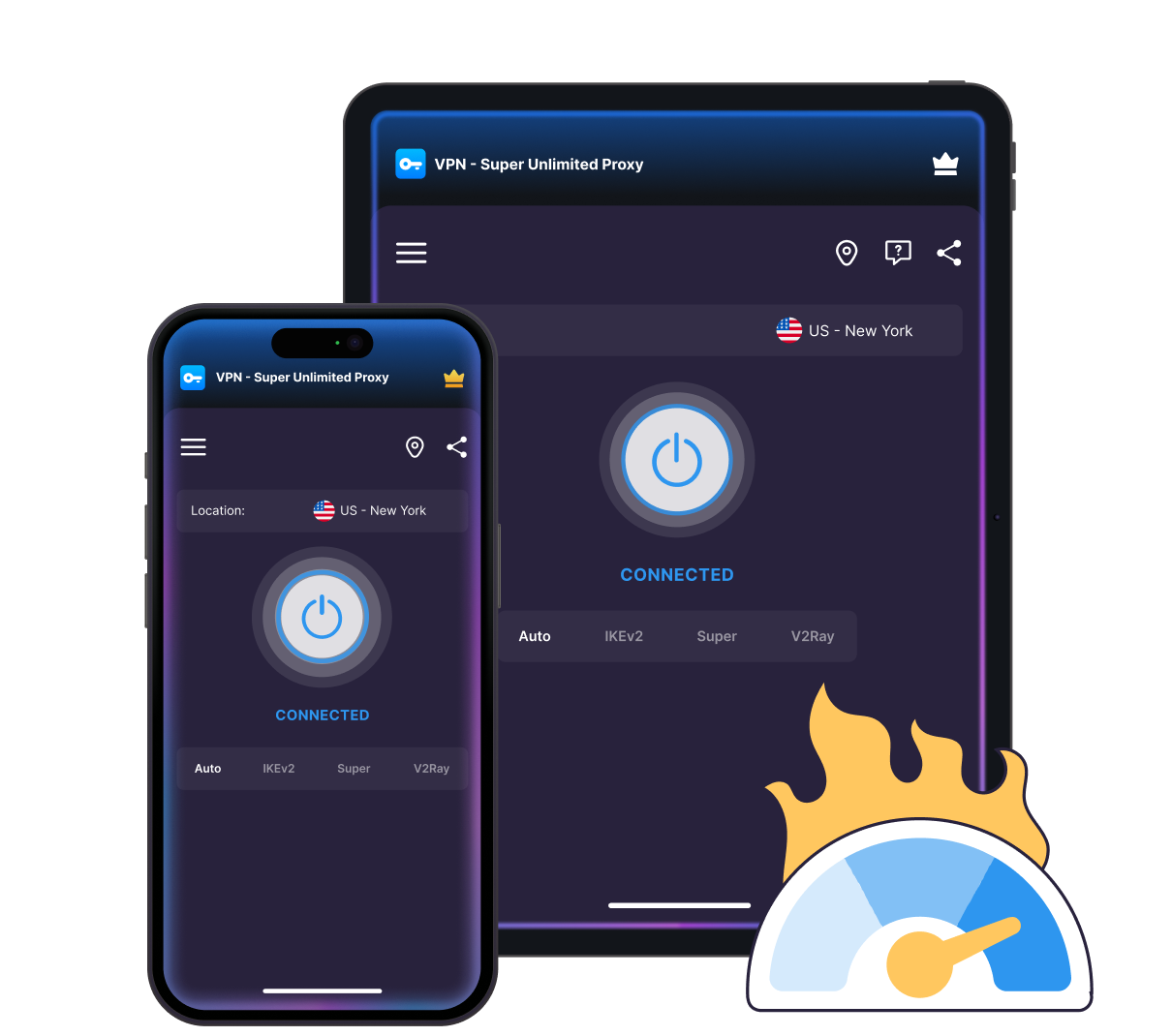
Get the fastest VPN for iPhone and iPad

Smart server selection and modern protocols keep browsing, streaming, and downloads fast—with your privacy built in.
Apple TV showing VPN Super interface, with Siri Remote, plant, padlock, and film slate
No activity logs
works across apple devices
30-day money-back guarantee

How to set up VPN Super on your iOS device

1
Install the VPN
Download and install VPN Super from the App Store
Person standing beside phone with cloud download icon and installing progress bar on screen.
2
Sign in to Premium
Open VPN Super and sign in with your Premium account to unlock full access.
Person leaning on stacked servers with cloud sync icon above, checking phone.
3
Connect & browse
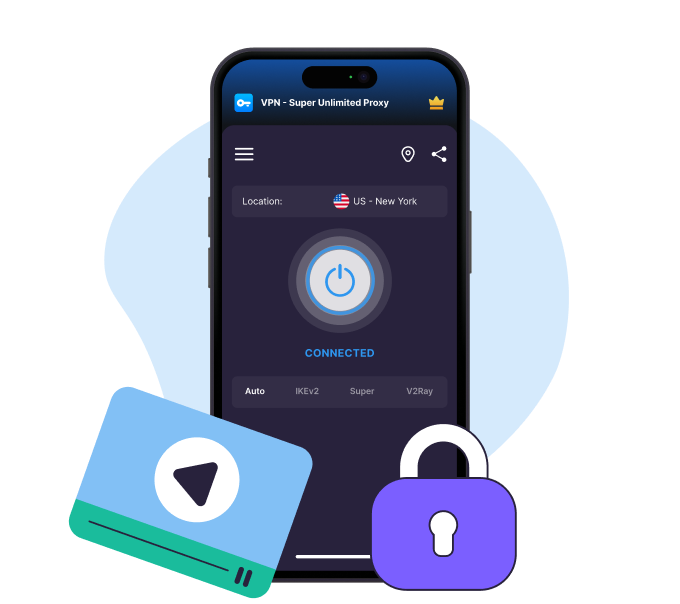
Choose a server, hit Connect, and browse fast, securely, and privately.
Enjoy VPN Super
Get VPN Super

Why use a VPN for iPhone and iPad?

VPN Super encrypts your traffic and hides your IP address, so your browsing stays private and your connection stays stable wherever you are.

Protect your browsing on any network

Protect your browsing on any network, so your activity stays private even on public Wi-Fi in cafés, airports, and hotels.
Protect your browsing on any network
Stay protected with Always-On VPN

Stay protected with Always-On VPN

Stay protected with Always-On VPN, a feature that reconnects to VPN automatically when you switch between networks.

Appear to be anywhere in the world

Appear to be anywhere in the world. Let Fastest Location pick the best server for you, or choose a server from 100+ Premium locations.
Appear to be anywhere in the world
Stream in HD on mobile

Stream in HD on mobile

Stream in HD. VPN Super's Premium servers and modern protocols help you enjoy smoother playback on iPhone and iPad.

Get a VPN on everything

Get a VPN on everything. Cover up to 10 devices—iPhone, iPad, Mac, PC, or Apple TV—under a single Premium subscription.
Get a VPN on everything

Get the fastest VPN for iOS

Streaming-optimized servers illustration

Fastest location in one tap

VPN Super's Fastest Location picks the quickest server for you—right from the home screen or server list.
80+ global locations illustration

Advanced VPN protocols

Choose from IKEv2 and OpenVPN protocols to enjoy fast and reliable connectivity for everything you do online.
Up to 10 devices illustration

In-app latency info

See each server's current latency before connecting, so you can pick the best fit for a call or stream.

Get VPN Super

How to choose the best 
VPN servers on iOS

What you're doing
Recommended VPN server
What you’ll enjoy
Everyday browsing
Closest to your real location
Lowest latency for calls, browsing, and iCloud sync
Streaming your home country's shows while traveling
A server in your home country
Reliable access to the shows and apps you already pay for
Connecting to public Wi-Fi
Any server close to you
Private internet access in cafés, airports, and hotels
Gaming
A server with low latency near the game's region
A stable connection for real-time play

Why VPN Super is built for iOS

Unlock streaming illustration

Unrestricted access

Super protocol and V2Ray are built for heavily restricted networks—options most competitors don't offer on iOS.

Private connection illustration

Stay connected as you move

Always-on VPN reconnects you as you switch networks, so your protection never drops.

Streaming experience illustration

15 languages, one app

VPN Super speaks 15 languages for our millions of users, from Arabic to Ukrainian.

Multi device coverage illustration

No activity logs, ever

VPN Super doesn't keep logs of your online activity. Browse, stream, and download with more privacy.

Avoid interruptions illustration

Free if you need it

Enjoy, industry-leading encryption, unlimited bandwidth, and 40+ server locations at no cost.

Big screen experience illustration

Kill Switch protection

Blocks your internet if your VPN connection drops, so your IP and data stay protected.
Get VPN Super for iOS

iOS VPN for your devices

VPN Super for iPhone
Compatible with most models, from the latest iPhone or an older generation:
iPhone 16, 15, 14, 13, 12, 11 (including Plus, Pro, Pro Max models)
Runs on iOS 16 and later
Easy-to-use app for iPhone, iPad, and all supported iOS devices
VPN Super for iPad
VPN Super for iPad
Enjoy the same fast, private protection on any iPad you use:
iPad 5 to 9, iPad Pro (all generations), and iPad Air 2 to 5.
Runs on iPadOS 16 and later
Optimized for both Wi-Fi and cellular connections

Why people trust VPN Super

It is a great app especially in my country where I can connect to different server which works properly.
Zaneillio Campbell
April 2026
VPN Super delivers exactly what it promises. The connection is stable and the interface is very user-friendly.
Ahmad Khan
February 2026
Great VPN app! Fast connection, easy to use, and works very well.
Abdulkarim Abubakar
February 2026

Frequently Asked Questions

faq
Does iOS have a built-in VPN?
iOS can handle a VPN connection, but Apple doesn't run a VPN service itself—it only provides the framework. VPN Super is the service that offers secure servers, enterprise-grade encryption, and an iOS app that works seamlessly on your iPhone or iPad—no need for manual configuration.
Is there a free VPN for iPhone?
Yes. VPN Super's free tier covers over 40 server locations with no data caps. Upgrade to Premium to unlock 100+ server locations, faster speeds, and servers optimized for streaming.
What's the difference between VPN Super's free and Premium plans on iOS?
Free covers 40+ locations with encrypted browsing and no activity logs. Premium unlocks full access—100+ locations, advanced streaming servers, and apps for all your devices. See the comparison table above for the full breakdown.
Which VPN protocols does VPN Super have on iOS, and which is best?
VPN Super supports Super, IKEv2, OpenVPN, and V2Ray on iOS, and Auto picks the right one for your network. IKEv2 is a solid default for staying connected as you move between Wi-Fi and cellular; V2Ray and Super protocol are built for networks with heavier restrictions.
Why is Kill Switch turned off by default on iPhone?
VPN connections can briefly drop when you switch networks or a server hiccups. With Kill Switch on, each of those moments blocks your internet completely, which can also interrupt iMessage, FaceTime, and Find My until VPN Super reconnects. Keeping it off by default avoids surprise outages for most people; turn it on in Settings if you'd rather pause your connection than risk even a moment of unprotected traffic.
Can I use VPN Super on my iPhone and my other Apple devices with one account?
Yes. One Premium account covers up to 10 devices at once—iPhone, iPad, Mac (beta), Android, Windows PC, Apple TV, and Android TV all included.
How do I sign in to VPN Super on iOS?
Sign in with your email and password, or use a one-tap magic link—no new password to remember. Already subscribed on another device? Restore your purchase from the app to pick up right where you left off.
How do I know if my VPN is active on my iPhone?
iOS shows a small VPN indicator near the status bar whenever the connection is active. You can also open VPN Super and check the connected status, along with your current server, from the home screen.
Is VPN Super secure on iOS?
VPN Super uses modern, industry-standard encryption and keeps no activity logs, so there's nothing to hand over even if someone asked.
What iPhone and iPad models and iOS versions are supported?
VPN Super runs on iOS 16 and later, across current iPhone and iPad models. Check your version under Settings > General > About if you're not sure.
What's the best VPN for gaming or streaming on iPhone?
VPN Super's Premium servers are built for low latency, which helps with gaming and smooth streaming alike.

Try VPN Super risk-free

We're confident you'll love the speed, security, and freedom VPN Super gives you. But if you're not completely satisfied, no worries—just reach out within 30 days and we'll give you a full refund. No hassle. No questions asked. Total peace of mind.
Get VPN Super
Apple TV with Siri Remote on dark background

30 day money back guarantee