Your school Wi-Fi shouldn't control your free time
Campus networks block the sites you actually want to use, Discord, Steam, TikTok, streaming services. When 8 PM hits and you finally have time to unwind, the dorm Wi-Fi slows to a crawl. International students can't access home content. Everyone feels locked into a digital cage they didn't choose.
VPN Super changes that. Connect to servers worldwide, sidestep bandwidth throttling, and browse without the IT department watching.
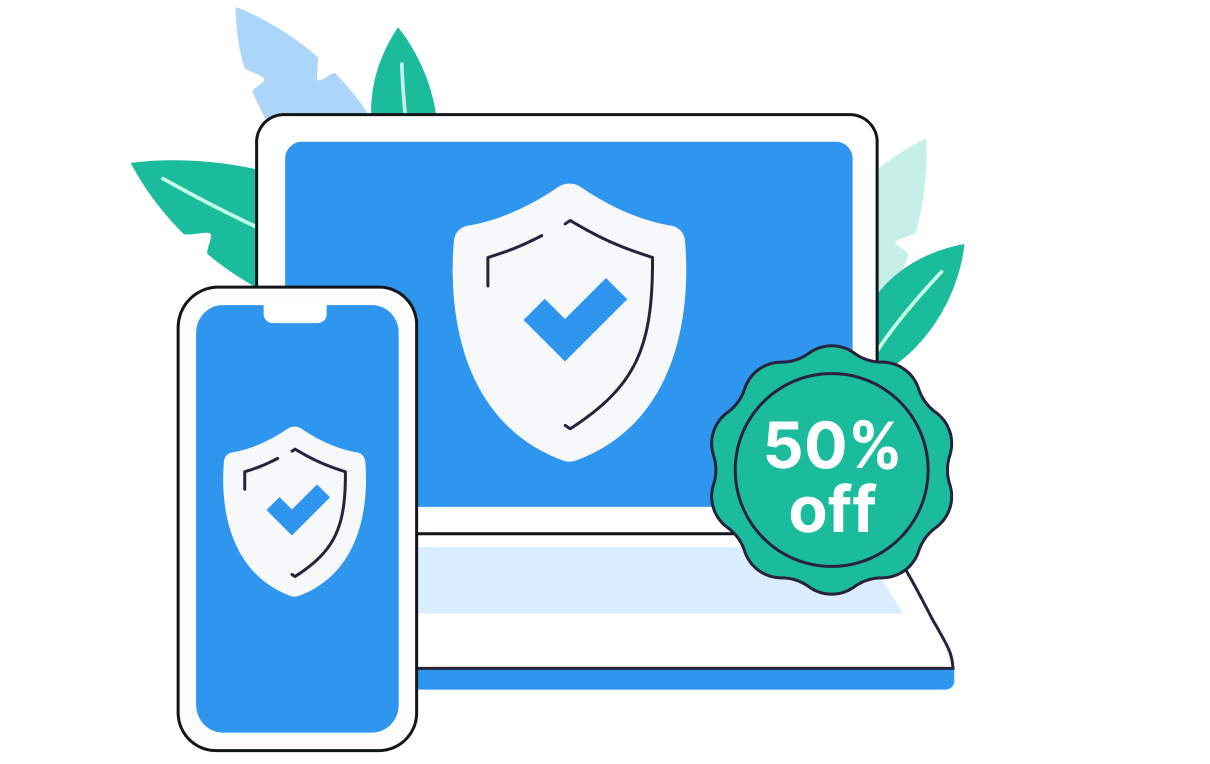
Works on all your devices
One account, all your devices. VPN - Super Unlimited Proxy protects your phone, tablet, and laptop. Download the app and stay protected everywhere.
Unblock everything on campus
Access your favorite apps freely
Connect to Discord, Steam, TikTok, Instagram, and gaming sites privately from the library or dorms.
Works on Eduroam and school Wi-Fi
Supports protocols designed to get through restrictive networks, including OpenVPN, WireGuard, and Super protocol.
Stop bandwidth throttling
Stream and game at full speed, even during peak hours.
Access geo-locked content
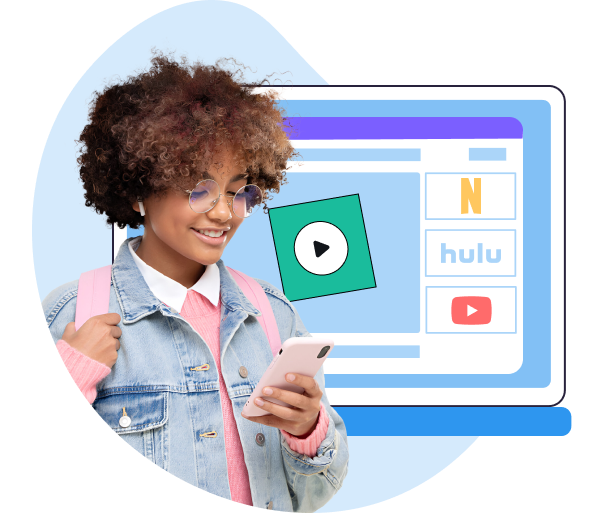
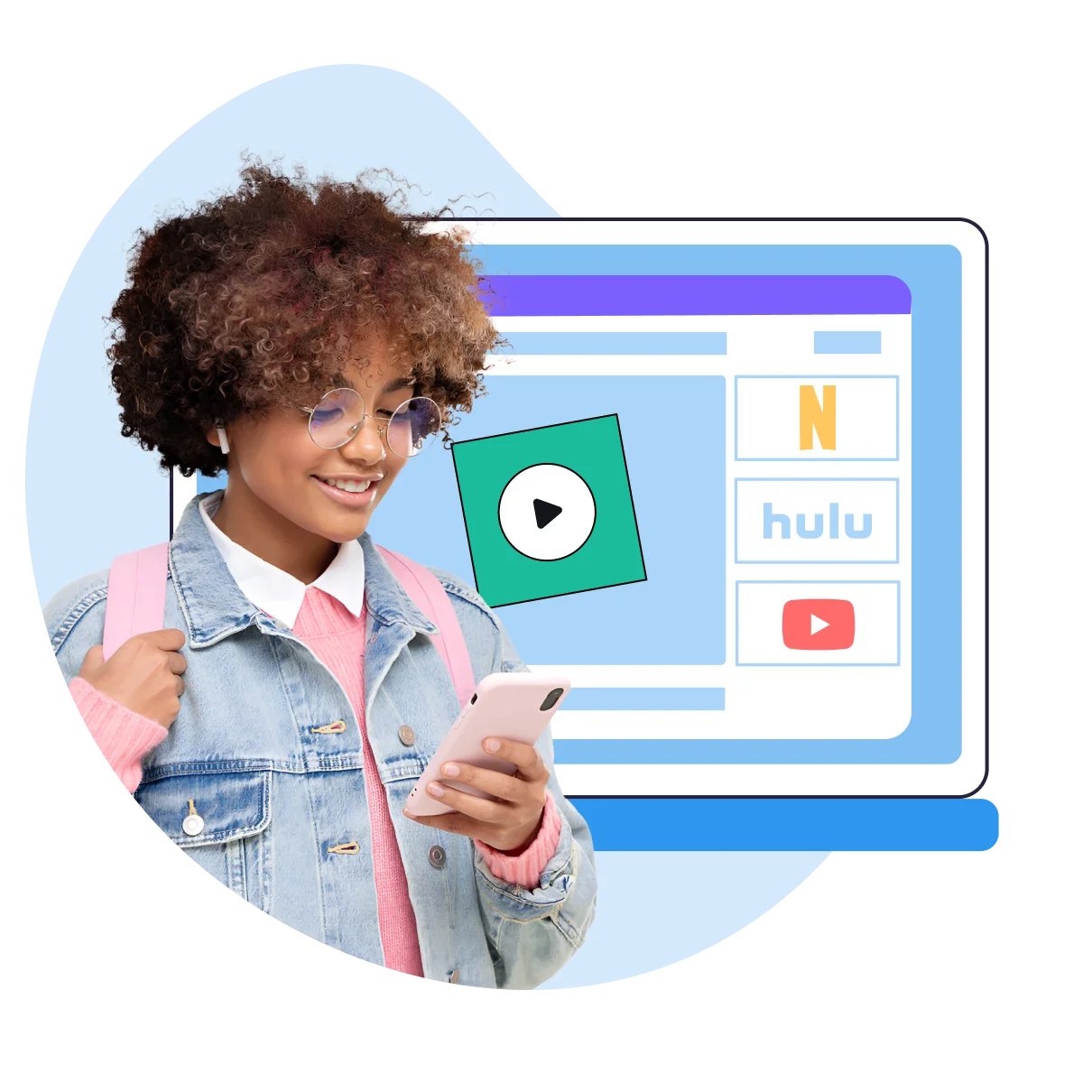
Watch Netflix libraries from any region, unblock BBC iPlayer, or catch blacked-out sports from your college town.
Low-ping connections
Pick servers optimized for speed with visible latency info on iOS and Android
No data caps
Stream in 4K, download files, and game without limits on your Premium Subscription
Fastest server selection
Auto-connect to the fastest available server from your home screen
Privacy that doesn't require a trust fall
Campus Wi-Fi, coffee shop hotspots, library networks, they're convenient but far from private. VPN Super keeps your browsing between you and your screen, no matter where you connect.
No activity logs – What you browse stays between you and your browser
DNS and IPv6 leak protection – Keeps your real location hidden while connected
Safe on public Wi-Fi – Secure your connection at coffee shops, airports, and shared networks
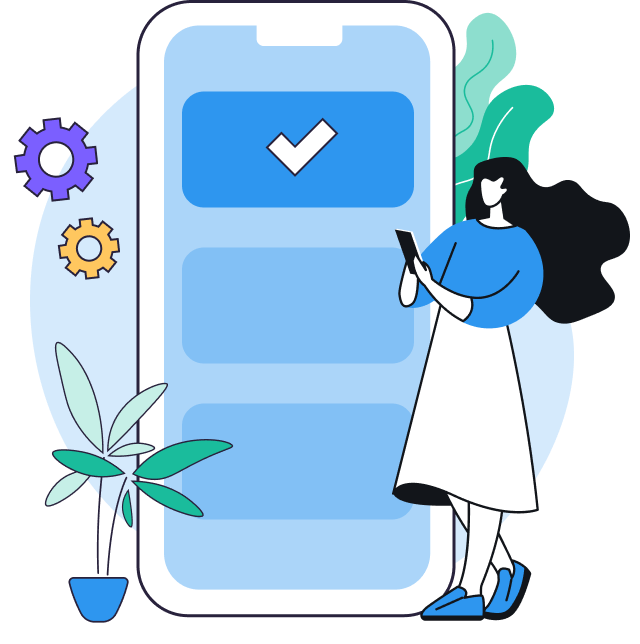
Сlaim your student VPN discount
What you get:
A permanent 50% discount that applies to all renewals, upgrades, and downgrades for as long as you're a student.
Total flexibility to switch between subscription tiers (e.g., from monthly to yearly) without losing your discount.
The full premium subscription experience on all devices, not a limited student version.
Who qualifies:
Currently enrolled college, university, or high school students
International students studying anywhere VPN Super is available
No age restrictions beyond active enrollment
Is the discount one-time or recurring?
Recurring, applies to renewals while you remain a student
Does the price increase after graduation?
Standard pricing applies after your student status expires
Can teachers or university staff use this?
This discount is for enrolled students only
What payment methods are accepted?
Credit card, debit card, and additional options at checkout
Is there a money-back guarantee?
Yes, 30-day money-back guarantee on all subscriptions
Can I cancel anytime?
Yes, turn off automatic renewal from your Account settings
50% off all subscription tiers, including monthly, six-month and 12-month plans.
How long does verification take?
Seconds with a valid .edu email. Third-party verification typically completes in under 5 minutes.
Do you keep logs of browsing history?
No. VPN Super maintains a no activity logs policy.
What encryption does the VPN use?
Protocols include WireGuard, OpenVPN, IKEv2, and the proprietary Super protocol, all with strong encryption standards.
How many devices can connect at once?
You can connect up to 10 devices with one account. Check current limits in your account settings.
Is there a browser extension?
The app is available for Windows, iOS, and Android. Browser extensions are not currently offered.
Does VPN Super work on Eduroam?
Yes. The VPN supports protocols designed to work on restrictive academic networks.
Can the school IT department see VPN usage?
They can see encrypted VPN traffic but cannot see what sites you visit or what you download.
Will using a VPN get me banned from the school network?
Most universities allow VPN use. Check your institution's acceptable use policy if unsure.
My school blocked Steam. How do I fix this?
Connect to VPN Super, pick a server location, and launch Steam. The firewall sees VPN traffic, not gaming traffic.
Will this VPN make my games lag?
Choose servers with the lowest ping (visible on iOS and Android), and use protocols optimized for speed like WireGuard on Windows. Most students see no performance drop, many see improvements due to reduced ISP throttling.
Does it work with Zoom and Canvas?
Yes. VPN Super works with Zoom, Microsoft Teams, Blackboard, Canvas, and other academic platforms. Use Split Tunneling on Android to route only specific apps through the VPN if needed.
Can I use this for cheaper flights or textbooks?
Connect to servers in different regions to see localized pricing on travel sites and online stores.
What if it stops working at school?
The Support team is available through the in-app contact form on all platforms. iOS and Android also have a built-in FAQ for quick troubleshooting.
Is there a free VPN for students?
Yes. VPN Super has a free, ad-supported version for iPhone, iPad, and Android with a smaller list of server countries. The 50% student discount applies to Premium, which removes ads, unlocks the full server list, and adds Split Tunneling on Android.
Is it illegal to use a VPN at school?
No. Using a VPN is legal in the United States, and most universities allow it. Some schools restrict VPN use as a matter of local network policy rather than law, so check your institution's acceptable use policy if you're unsure.










.webp)

.png)

.png)
.png)










 VPN for Windows
 VPN for Android
 VPN for iOS
 VPN for MacOS
 Apple TV
 Android TV