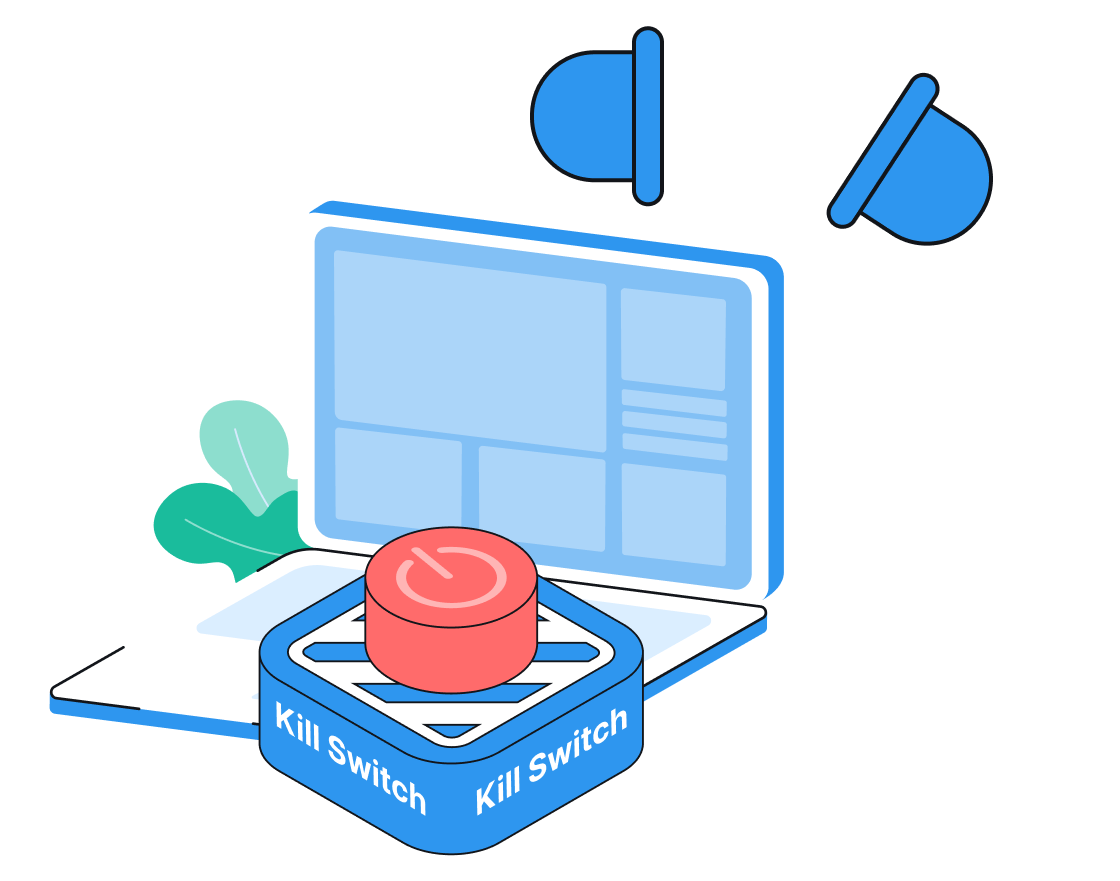
VPN kill switch for greater protection

If your VPN drops, VPN Super's Kill Switch blocks your internet instantly—so your IP address and data stay private.

Get VPN Super

30-day money-back guarantee

Apple TV showing VPN Super interface, with Siri Remote, plant, padlock, and film slate

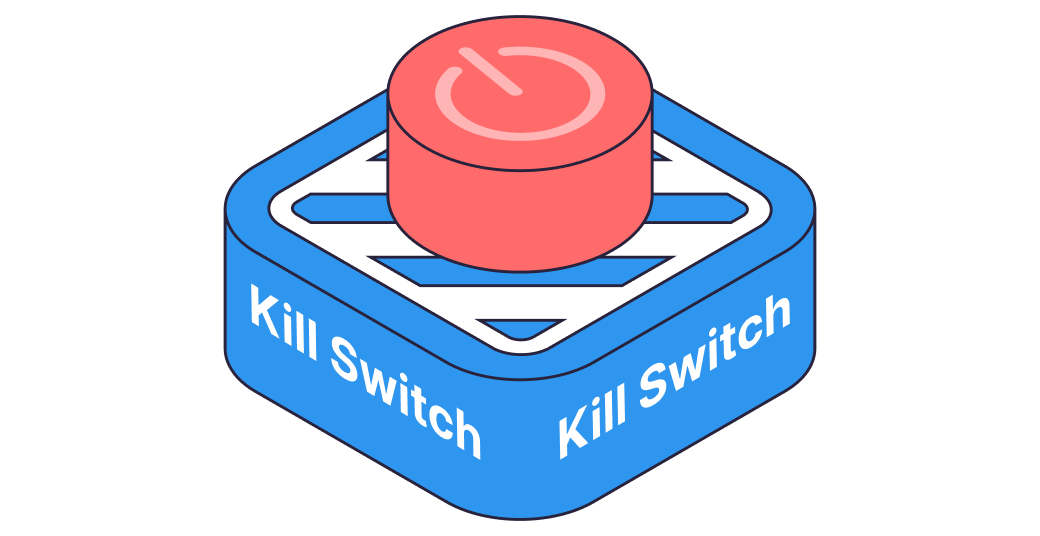
What is a VPN kill switch?

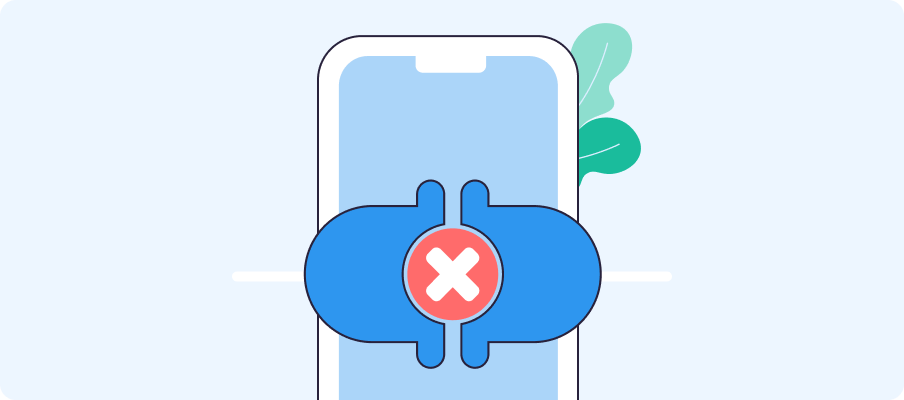
Connection drops can happen unexpectedly when networks change or devices restart, especially when you're connecting through public Wi-Fi, traveling internationally, or relying on VPN protection in areas with unstable networks. Just a small connection drop is enough to send traffic outside the encrypted tunnel, briefly exposing your real IP address or DNS requests to your ISP, the network you're on, or third parties.
VPN Super's Kill Switch blocks all internet traffic the moment your VPN connection is interrupted, so your activity stays hidden until VPN protection is restored.
What is a VPN kill switch

Who needs a kill switch?

Even a brief connection drop can expose your data. Here's who needs a VPN kill switch the most.
Streaming-optimized servers illustration

Everyday internet users

Protect your browsing, streaming, and downloads from connection drops. Kill Switch runs silently in the background.

80+ global locations illustration

Remote workers

Cafés, airports, and hotel networks are full of risks. Stay encrypted on any network, every time.
Up to 10 devices illustration

Journalists & activists

When your identity or location can't be exposed—not even briefly—Kill Switch keeps you covered.
How VPN Super's Kill Switch works

1
Keeps your VPN active
If your VPN connection drops for any reason, you'll automatically be reconnected, ensuring continuous protection.
Keeps your VPN active
2
Detect connection drops
VPN Super checks whether your encrypted tunnel is active. The instant it goes offline, for any reason, Kill Switch is triggered.
Detect connection drops
3
Blocks all internet traffic
All internet access is immediately blocked before any unencrypted data can leave your device.
Blocks all internet traffic
4
Reconnects automatically
Once VPN Super reconnects to a server, your internet access is restored. No manual action required.
Reconnects automatically

What Kill Switch does

With a kill switch
check-circle
Your IP stays hidden always
check-circle
All traffic is blocked before it can leak
check-circle
Your location remains private
check-circle
All traffic stays encrypted
Without a kill switch
x-circle
Your real IP is exposed during connection drops
x-circle
Your traffic might leak during connection drops
x-circle
Your location can be tracked during connection drops
x-circle
Your ISP can see your traffic during connection drops

What our users say

quote markstar rating
It is a great app especially in my country where I can connect to different server which works properly.
Zaneillio Campbell
April 2026
quote markstar rating
VPN Super delivers exactly what it promises. The connection is stable and the interface is very user-friendly.
Ahmad Khan
February 2026
quote markstar rating
Great VPN app! Fast connection, easy to use, and works very well.
Abdulkarim Abubakar
February 2026

Frequently Asked Questions

Illustration of laptop screen with information icon, magnifying glass, and potted plant nearby.
Should I always leave Kill Switch on?
Only if the trade-offs suit you. Kill Switch blocks all internet when your VPN drops, which can happen more than you'd expect. Without internet, apps like iMessage, FaceTime, and Find My stop working momentarily while the VPN is down. So if maximum leak protection is worth the occasional interruption, leave it on.
Will Kill Switch slow my VPN?
No. VPN Super's Kill Switch monitors your connection status in the background and adds no encryption overhead or routing delay. Your VPN speed is determined by your server location and protocol, not the Kill Switch.
Does Kill Switch work on iOS and Android?
Yes. Kill Switch is available on the VPN Super apps for iOS and Android. For full setup instructions and troubleshooting, see our help article on Kill Switch.
Why is Kill Switch turned off by default?
Kill Switch is designed for privacy-conscious users who don't want to deal with any gaps in VPN protection. When active, it blocks all internet access the moment your VPN drops—even briefly. Since drops happen more than you'd expect (when switching networks or servers reconnect), leaving it on can cause short but total outages. Apps like iMessage, FaceTime, and Find My won't work momentarily while the VPN is down. Disabling it by default gives you control: you can enable it when you specifically need that level of protection, without the risk of unexpected interruptions on networks where VPN connections are less stable.
What happens when the Kill Switch activates?
All internet traffic on your device is immediately blocked. You'll see a Wi-Fi or cellular signal but have no internet access—this is intentional. Once VPN Super reconnects to a server, internet access is automatically restored.
Does the Kill Switch protect against DNS leaks?
When the Kill Switch is active, all internet traffic is blocked—including DNS queries to your ISP. For continuous DNS leak protection while connected, VPN Super routes all DNS through its own encrypted servers.

Try VPN Super risk-free

Not completely satisfied? Reach out within 30 days for a full refund. No hassle. No questions asked.

Get Premium
Apple TV with Siri Remote on dark background