
Stream Hulu privately with VPN Super
Protect your connection on public Wi-Fi, beat ISP throttling, and stay connected to Hulu while you travel.
Get VPN Super
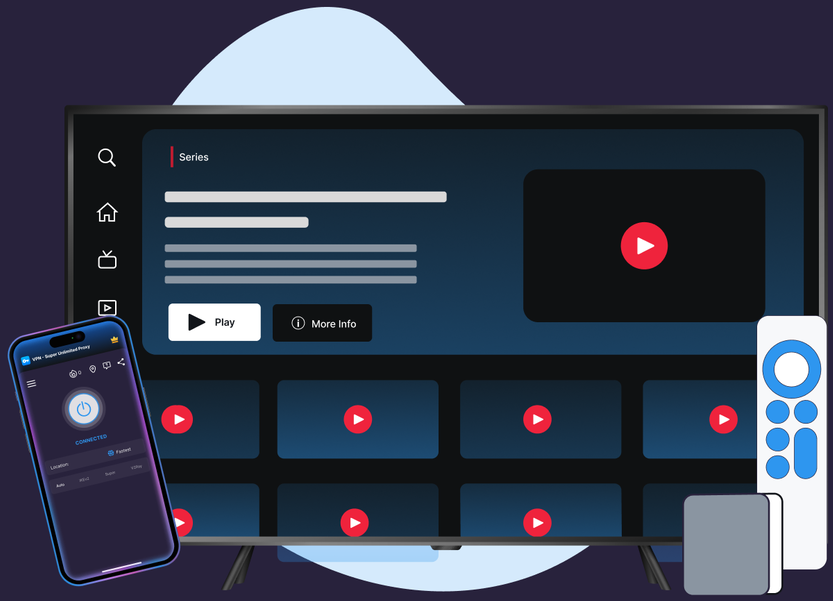
Protect your connection on public Wi-Fi, beat ISP throttling, and stay connected to Hulu while you travel.
Six features that make streaming Hulu faster to set up and more private to use, on every platform you own.
VPN Super's Fastest Location auto-picks the lowest-latency server for you, so you're not guessing which one to choose.
10Gbps servers are available in many locations, built to keep up with high-bitrate streaming.
No data caps. Stream as much as you want, for as long as you want.
Cover your phone, laptop, and TV on one subscription, up to 10 devices at once.
Premium unlocks 60+ countries and 100+ server locations. Free tier on iOS and Android includes a solid starter list to try first.
VPN Super encrypts your connection end to end, so your session stays private on public Wi-Fi, hotel networks, and anywhere else you connect.
Getting started takes a few minutes on any device, so you can start streaming Hulu privately right away.

.png)
.png)

If you see a connection error, switch to another VPN Super server or let Auto protocol selection choose one for you, then reload Hulu.
Streaming services routinely check for VPN or proxy traffic as part of managing access to their platform.

Automated systems scan connections for VPN or proxy signals. It's a standard, ongoing process across streaming, not personal.

Nothing about your Hulu subscription changes. If a connection gets flagged, switching servers or reconnecting usually clears it.

Detection systems occasionally flag legitimate connections as proxies. Reconnecting to a different VPN Super server or protocol, or restarting the Hulu app, usually resolves a false positive.

"With a VPN, you may only be shown TV shows and movies Netflix has worldwide licensing for."
Hulu runs on six platforms. VPN Super protects your connection on all of them.

.webp)

.png)

Three reasons that don't depend on changing what's in your Hulu library: privacy on public Wi-Fi, resistance to ISP throttling during peak hours, and staying connected to your home Hulu subscription while you're traveling on a different network.
Streaming services routinely check for VPN or proxy traffic as part of managing access to their platform. It's a standard, automated process. If your connection gets flagged, switching VPN Super servers or reconnecting usually clears it.
Detection systems occasionally flag legitimate connections as proxies. Reconnecting to a different VPN Super server or protocol, or restarting the Hulu app, usually resolves a false positive.
Yes, using a VPN is legal in the US. Hulu's own terms govern how its service may be accessed, so always follow Hulu's terms of service.
VPN Super's Auto protocol picker is built to keep latency low, so most people notice little to no difference streaming Hulu.
Yes. Kill Switch is included in the iOS and Android apps, adding an extra layer of protection to your connection while you stream.
iPhone, Android, Windows, Mac, Apple TV, and Android TV, so you can watch Hulu privately on whichever device you use.
Yes. VPN Super's free VPN on iOS gives 20 countries and 42 locations; on Android it's 15 countries and 26 locations. Windows, Mac, and TV apps are Premium only.
Coffee shop or airport Wi-Fi leaves your connection open. VPN Super encrypts your traffic to keep your Hulu session private.
Some ISPs slow down streaming traffic during peak hours. VPN Super can help your stream keep running at full speed.
Your Hulu subscription travels with you. VPN Super keeps your connection private and consistent on any network you use.
Set up VPN Super once and stream Hulu with a private, protected connection on any device you own.









 VPN for Windows
 VPN for Android
 VPN for iOS
 VPN for MacOS
 Apple TV
 Android TV