
Get VPN Super running on your Mac in just a few minutes. This guide covers everything from downloading the client to connecting to the VPN.
Please note: We’re gradually rolling out the Mac app, so the download link may not be available to everyone yet.
Make sure you have the following before starting your Mac VPN setup:
To find your Mac version, click the Apple logo in the top-left corner of your Mac > About This Mac > macOS.
Download VPN Super for Mac.
Install VPN Super by finding the installer in your Downloads folder.
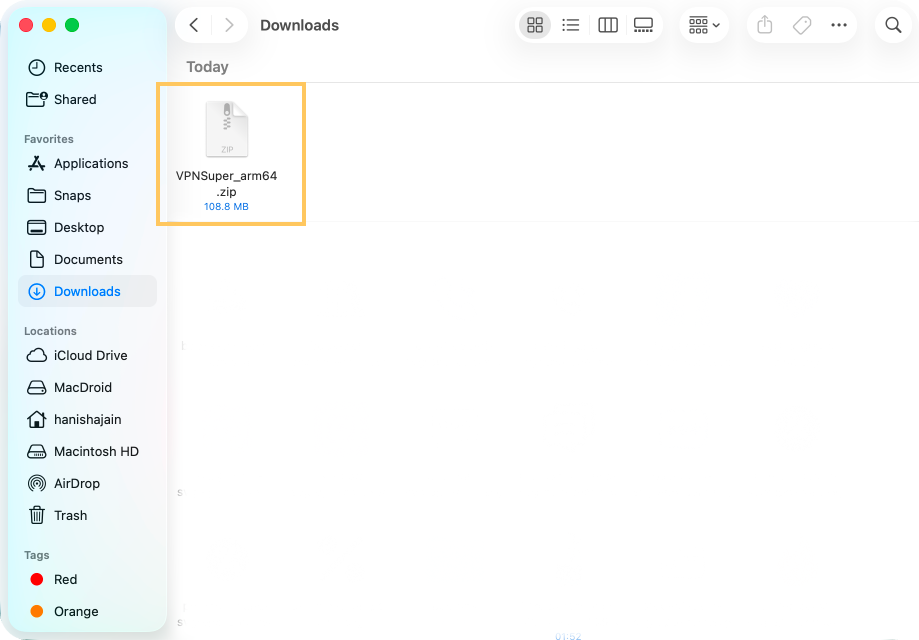
Double-click on the installer, then click Open to confirm.
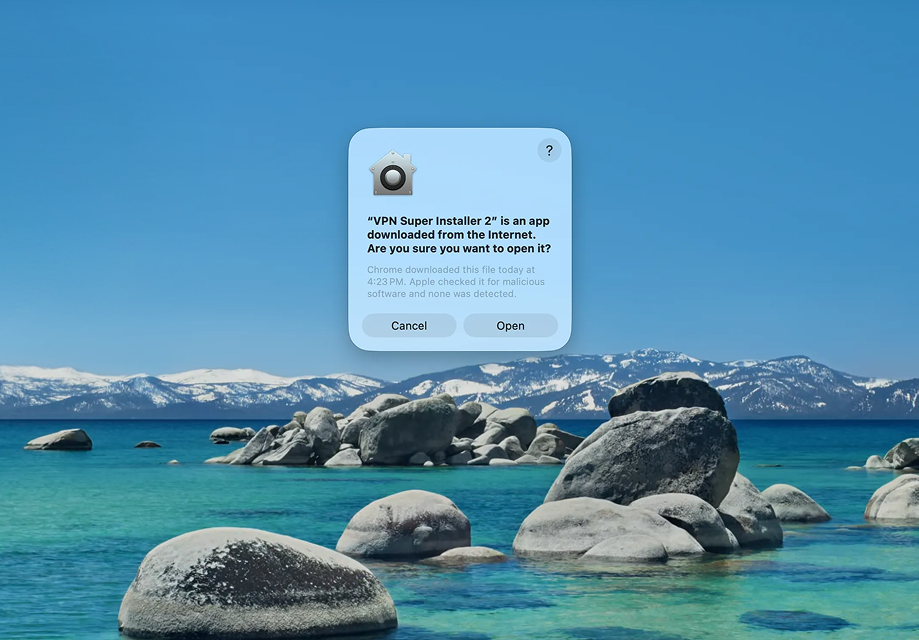
Follow the on-screen setup instructions to finish installing VPN Super.
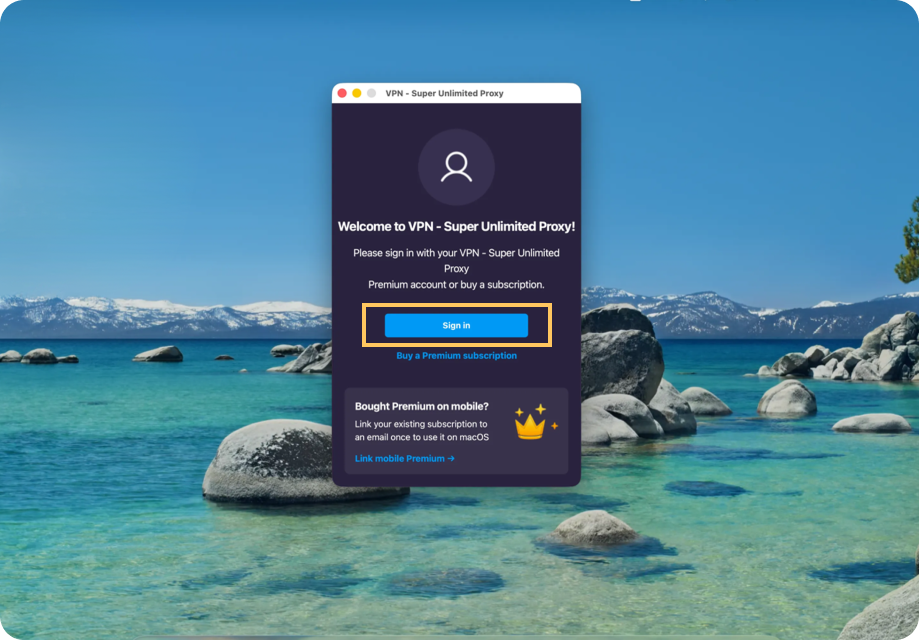
Open the VPN Super app for Mac.
Click “Sign In”.
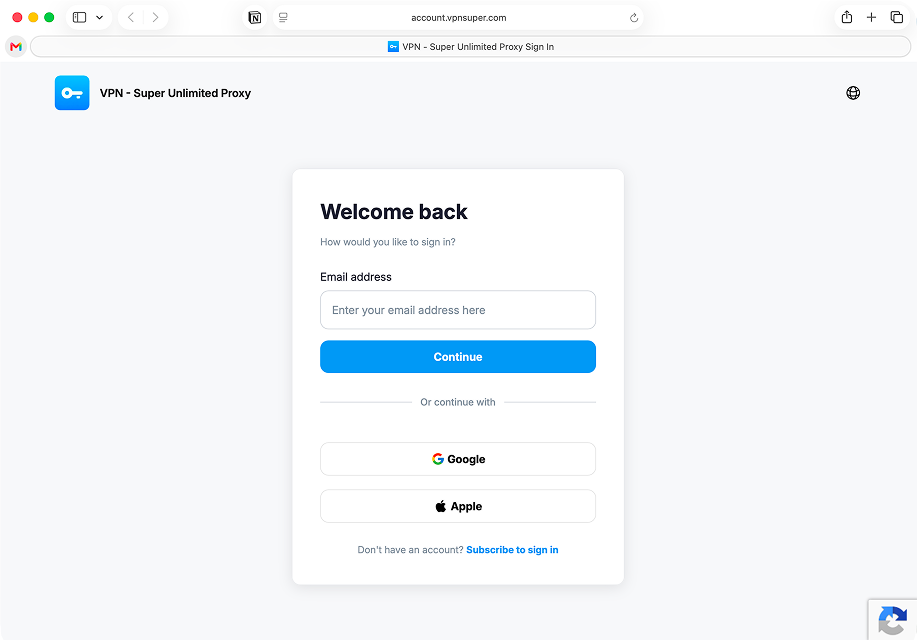
Enter your Premium subscription email and password when prompted. Don’t have an account yet? Follow our guide for creating your VPN Super account.
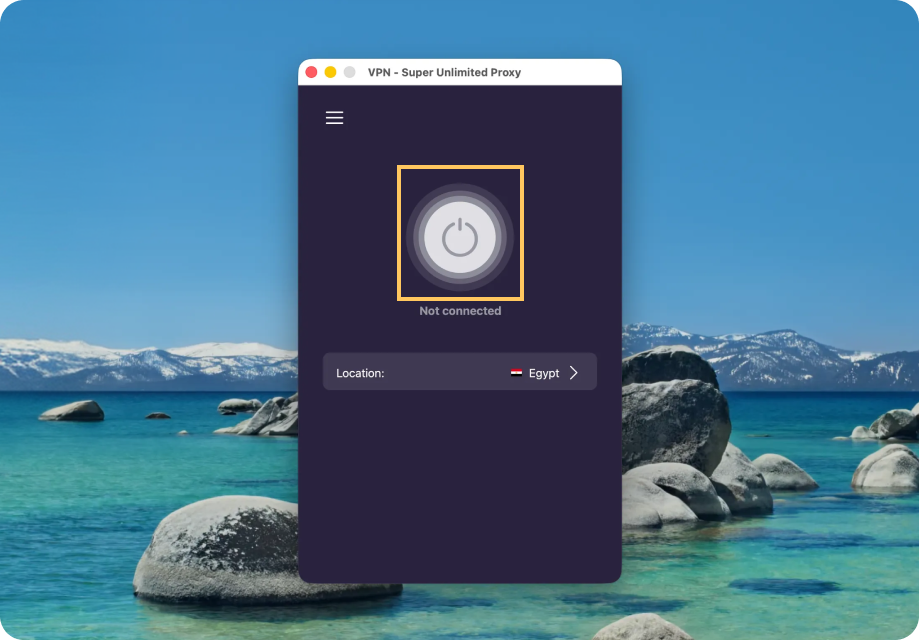
Click on the Connect button to automatically connect to the fastest location. That’s it—you can start browsing with freedom and security!
To disconnect, simply click the Connect button again.
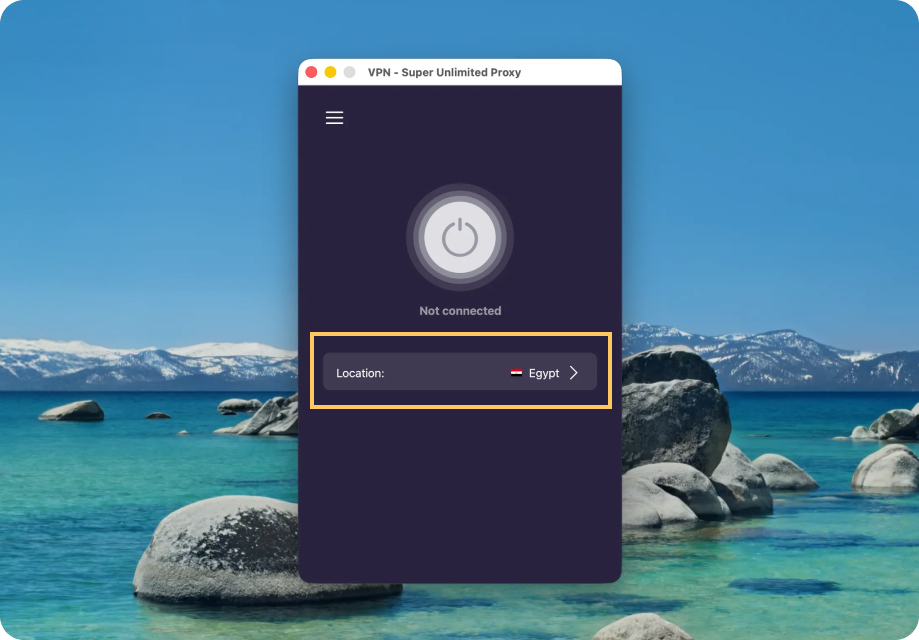
Want to connect somewhere specific? Here’s how:
Quick tips:
Ran into an issue during installation or setup? Submit a request to our Support team.


