

If you're moving to a new country, or you set up your Apple ID somewhere you no longer live, you can update your Apple Account's country or region from your device settings. The setting lives at Settings → [your name] → Media & Purchases → View Account → Country/Region on iPhone and iPad, in the Apple Music or Apple TV app's Account Settings on Mac and Windows, or under Personal Information at account.apple.com on the web. Before Apple lets you change it, your account balance has to be at zero, you can't have a subscription that blocks the switch, and you'll need a valid payment method for the new country.
This isn't a VPN setting. Your Apple ID's country is tied to your account and your billing details, not your device's network connection or IP address, so a VPN can't change it for you. The rest of this guide walks through what Apple requires, the steps for each device, why the option sometimes doesn't appear, and what happens to your apps and subscriptions afterward. It follows Apple's own support instructions, current as of September 2026.
Quick answer: change your Apple ID country in Settings → [your name] → Media & Purchases → View Account → Country/Region, once your balance is $0 and no subscription blocks it.
What do you need before you change your Apple ID country?
Apple checks a handful of things before it lets the change go through. Sort these out first, or the option won't work.
- Bring your account balance to zero: any balance sitting on your Apple Account (gift card credit, a refund still pending) has to hit exactly $0 before you can switch. If your balance is smaller than the price of anything in the new store, redeem it on something first or contact Apple Support for help clearing it.
- Cancel subscriptions that block the change: some active subscriptions (Apple Music, Apple TV+, Apple News+, or a third-party app subscription billed through Apple) prevent a country change until the current billing period ends. Cancel automatic renewal and wait for the term to finish. You don't lose access mid-cycle, you just have to wait it out.
- Let pending purchases finish: memberships, pre-orders, movie rentals, and Season Passes need to complete before the switch. So do pending refunds and store-credit requests.
- Leave Family Sharing, if you're in a group: Family Sharing ties everyone's purchases and payment method to the organizer's account. If you're the organizer or a member, you'll need to leave (or, if you're the organizer, stop sharing) before the country option becomes available.
- Redownload anything you'll want to keep: once you switch, some apps, music, movies, shows, and books may not be available in the new country's store. Download or back up what matters before you make the change. The table further down covers what usually survives and what doesn't.
- Have a payment method for the new country ready, or know you'll be using the no-payment-method route covered below.
How do you change your Apple ID country on iPhone or iPad?
- Open Settings and tap your name at the top.
- Tap Media & Purchases, then View Account. You may be asked to sign in again.
- Tap Country/Region.
- Tap Change Country or Region.
- Choose the new country or region.
- Review the Terms and Conditions for the new store and tap Agree.
- Enter a valid payment method and billing address for the new country, then confirm.
The same steps work on Apple Vision Pro.
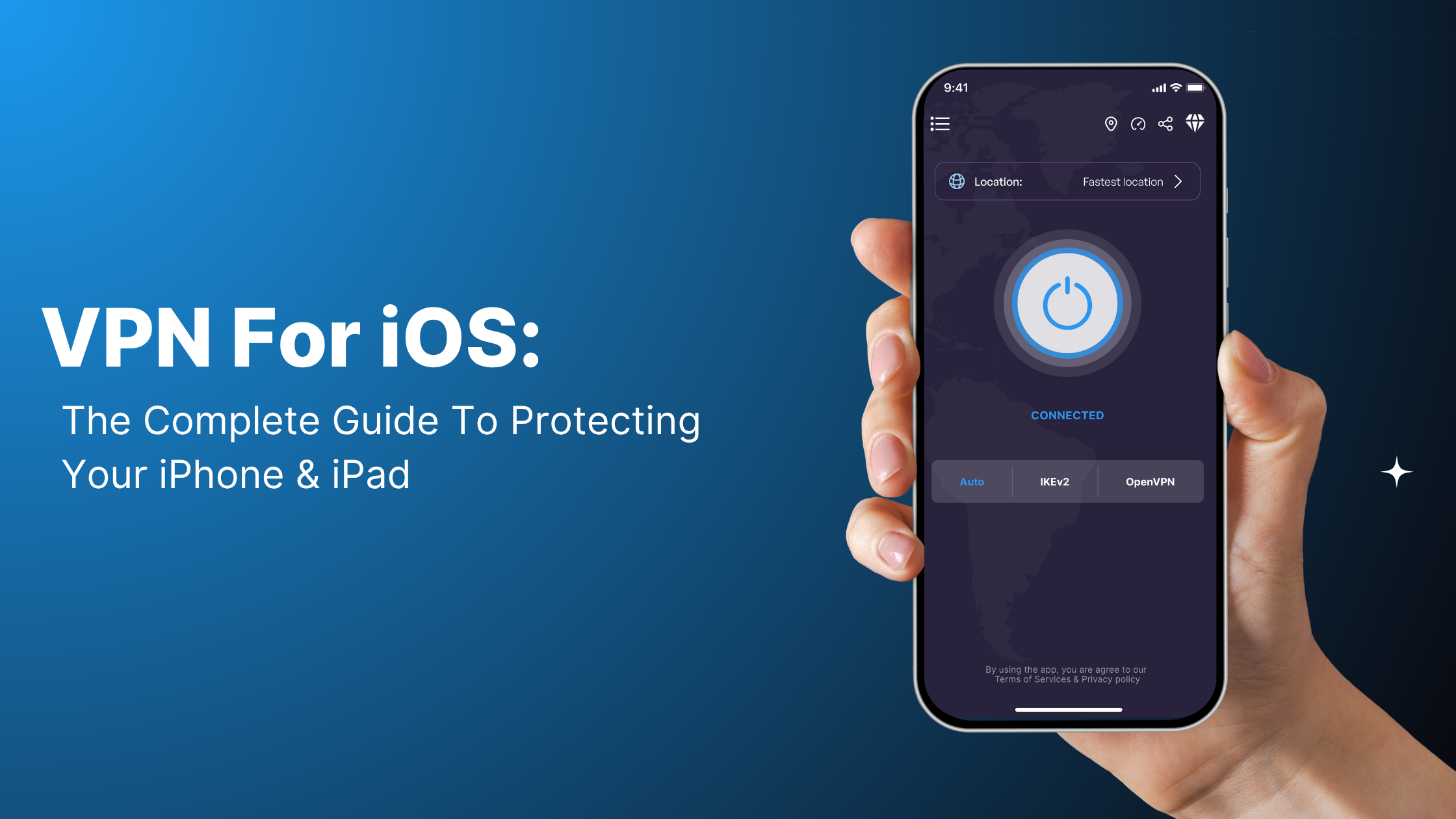
If you're doing this on your phone over public Wi-Fi — an airport lounge or a hotel network before a trip — VPN Super for iPhone encrypts the connection while you type in your new billing details. It has no effect on the country switch itself; that part is between you and your Apple Account.
How do you change your Apple ID country on Mac or Windows?
On a Mac or a Windows PC, the setting lives inside the Apple Music app (or Apple TV app, on newer macOS versions) instead of a system Settings panel.
- Open the Music or TV app.
- Click Account in the menu bar, then Account Settings.
- Find your Apple Account details and click Change Country or Region.
- Pick the new country or region.
- Review and agree to the new store's Terms and Conditions.
- Enter your new payment method and billing address.
Windows users need iTunes or the Apple Music app installed to reach this screen. There's no equivalent setting inside Windows' own system settings.
The same public-network caution applies here: if you're entering your new payment details from a coffee shop or shared workspace connection, VPN Super's Mac app keeps that traffic encrypted. It doesn't touch your Apple Account settings in any way — it's just protecting the connection you're typing over.
How do you change your Apple ID country on the web?
- Go to account.apple.com and sign in.
- Under Personal Information, select Country/Region.
- Follow the on-screen steps to pick the new country, agree to the terms, and add a payment method for it.
This is the fastest option if you're on a computer without the Music or TV app installed, or you'd rather not sign in on a shared device.
Why can't you change your Apple ID country or region?
If the option is grayed out, missing, or throws an error partway through, it's almost always one of a few specific causes. Here's what's going on, and how to fix each one.
| What you're seeing | Why it's happening | How to fix it |
|---|---|---|
| Country/Region option is missing or grayed out | You're still part of a Family Sharing group | Leave the group (or stop sharing, if you're the organizer) in Settings → [your name] → Family Sharing, then try again |
| "You have a remaining balance" error | Your account balance hasn't hit exactly $0; even a few cents blocks the switch | Redeem the balance on a purchase in your current store, or contact Apple Support if the balance is smaller than anything available to buy |
| Change is blocked by an active subscription | A subscription billed through Apple (Music, TV+, News+, or a third-party app) is still mid-cycle | Cancel automatic renewal and wait until the current billing period ends before switching |
| Change won't complete after entering payment details | The payment method or billing address doesn't match the new country you selected | Use a payment method issued in the new country, or use the no-local-payment-method route below |
| Pending purchase or refund blocking the switch | A pre-order, rental, Season Pass, or store-credit refund hasn't finished processing | Wait for it to complete, then retry the change |
| Can't find the option at all on a shared or managed device | The device is under Screen Time / parental controls, or it's a managed device tied to an organization | Check Screen Time restrictions, or ask whoever manages the device (parent, employer, school) to make the change |
None of these are things a VPN fixes. They're account-side checks Apple runs against your Apple ID, not anything tied to where your traffic appears to come from.
What happens to your apps, music, and subscriptions after you switch?
Apple's own guidance is blunt about this: some content might not be available in your new country or region. What carries over depends on the content type.
| Content type | What usually happens |
|---|---|
| Already-downloaded apps | Stay installed and usable, but updates may stop if the app isn't offered in the new store |
| Apps not available in the new country | You can keep using what's downloaded, but can't reinstall or update it later |
| Purchased music, movies, TV shows, books | Stay in your library if you've downloaded them; redownloading from the new store isn't guaranteed |
| Active App Store/Apple subscriptions | Carry over if the app is available in the new country; otherwise they may be canceled |
| Apple Music/TV+/News+ catalog | Adjusts to the new country's catalog and pricing immediately |
| Gift card balance | Only usable in the store it was issued for; a US gift card balance won't work after switching to a different country's store |
If there's anything you're not sure you'll be able to get back, redownload or back it up before you start the switch, not after.
What if you don't have a payment method for the new country?
Apple's process assumes you'll enter a payment method issued in the new country during the switch: a card or account with a billing address there. If you don't have one yet, Apple's documented alternative is to wait until you're physically in the new country, then create a new Apple Account instead of changing your existing one. That new account starts fresh in the local store without needing a local card on day one. It's a separate account, though, so your existing purchases, subscriptions, and history stay with the original Apple ID.
How often can you change your Apple ID country?
Apple doesn't publish a fixed cooldown or frequency limit for this on its support pages, as of this writing. Some users report a temporary block after changing recently, which suggests there may be an unpublished internal limit, but there's no official number to point to. If you hit an unexplained block and none of the causes in the troubleshooting table above apply, that's worth a direct check with Apple Support rather than assuming a fixed waiting period.
Apple ID country vs. iTunes country vs. iCloud country
They're the same setting. "iTunes country" and "iCloud country" are older names from when Apple ran separate iTunes Store and iCloud country settings; both have since been folded into the single Apple Account country/region setting covered above. If you're searching for how to change your "iTunes region" or "iCloud country," the steps in this guide are the current ones. There's no separate setting to hunt for anymore.
Can a VPN change your Apple ID or App Store country?
No. Your Apple ID's country is set on Apple's servers and tied to your account and billing profile, not to your device's IP address. Connecting to a VPN server in another country changes what your internet traffic looks like to websites and apps you visit. It doesn't touch your Apple Account settings, and it won't make the country-change option appear, skip the balance and subscription requirements, or add a payment method for you. The only way to change your Apple ID's country is the Apple-documented process above.
Should you use a VPN while you change your Apple ID country?
A VPN won't help with any of the mechanics above, but there's still a reasonable, unrelated reason to run one during this process: you're about to enter a new payment method and billing address into your Apple Account. If you're doing that from a hotel, airport, or coffee-shop Wi-Fi network, VPN Super encrypts your connection so anyone else on that same network can't see the details you're typing. Look for the VPN Super servers closest to you before you sit down to make the switch, and check VPN Super features if you want the full rundown of what protects your connection day to day.
One thing this doesn't do: if you also use VPN Super to stream privately while traveling, changing your Apple ID country doesn't change what you can stream. The two settings are unrelated. Switching your Apple ID country won't affect what shows up when you connect to a VPN Super server for everyday streaming privacy.
FAQ
Can I use a VPN to change my Apple ID country or App Store region?
No. A VPN changes what your traffic looks like on the network, not your Apple Account settings. Your Apple ID's country is controlled by Apple's servers and tied to your billing profile, and a VPN has no way to modify that.
How do I change my Apple ID country or region?
Go to Settings → [your name] → Media & Purchases → View Account → Country/Region on iPhone or iPad, use the Music or TV app's Account Settings on Mac and Windows, or use account.apple.com on the web. You'll need a zero balance, no blocking subscriptions, and a payment method for the new country.
Why can't I change my Apple ID country or region?
The most common causes are an account balance that isn't exactly $0, an active subscription still mid-billing-cycle, still being part of a Family Sharing group, or a payment method that doesn't match the new country. See the troubleshooting table above for the full list.
Will I lose my apps or subscriptions if I change my Apple ID country?
Not automatically, but some content may stop being available. Downloaded apps and media generally stay usable; updates and redownloads depend on whether that content is offered in the new country's store. Redownload anything important before you switch.
Do I need a local payment method to change my Apple ID country?
Yes, in the standard flow. Apple asks for a payment method and billing address issued in the new country. If you don't have one, Apple's alternative is to wait until you're physically present in the new country and create a new Apple Account instead.
How long does it take to change your Apple ID country or region?
The change itself takes a few minutes once you meet the requirements. Getting to that point can take longer if you're waiting on a subscription's billing cycle to end or a pending refund to clear.
Is there a limit to how often you can change your Apple ID country?
Apple hasn't published a fixed number. Some users report a temporary block shortly after a recent change, but there's no official cooldown period documented.
What's the difference between my Apple ID country and my iPhone's region format setting?
They're unrelated. Your Apple ID country controls which store and catalog you see in the App Store, Apple Music, and similar services. The region format setting (Settings → General → Language & Region) only controls things like date, number, and measurement formatting on the device itself. Changing one doesn't change the other.
How do I change my Apple ID country without a local payment method or credit card?
Apple's documented option is to wait until you're physically in the new country, then set up a new Apple Account there instead of changing your existing one. It starts fresh without requiring a local card immediately, but it's a separate account from your current one.


 VPN for Windows
 VPN for Android
 VPN for iOS
 VPN for MacOS
 Apple TV
 Android TV