1.43M Reviews
Unlock a faster, better streaming experience on your Fire TV, get around ISP throttling, and connect your TV to servers around the world with one app.
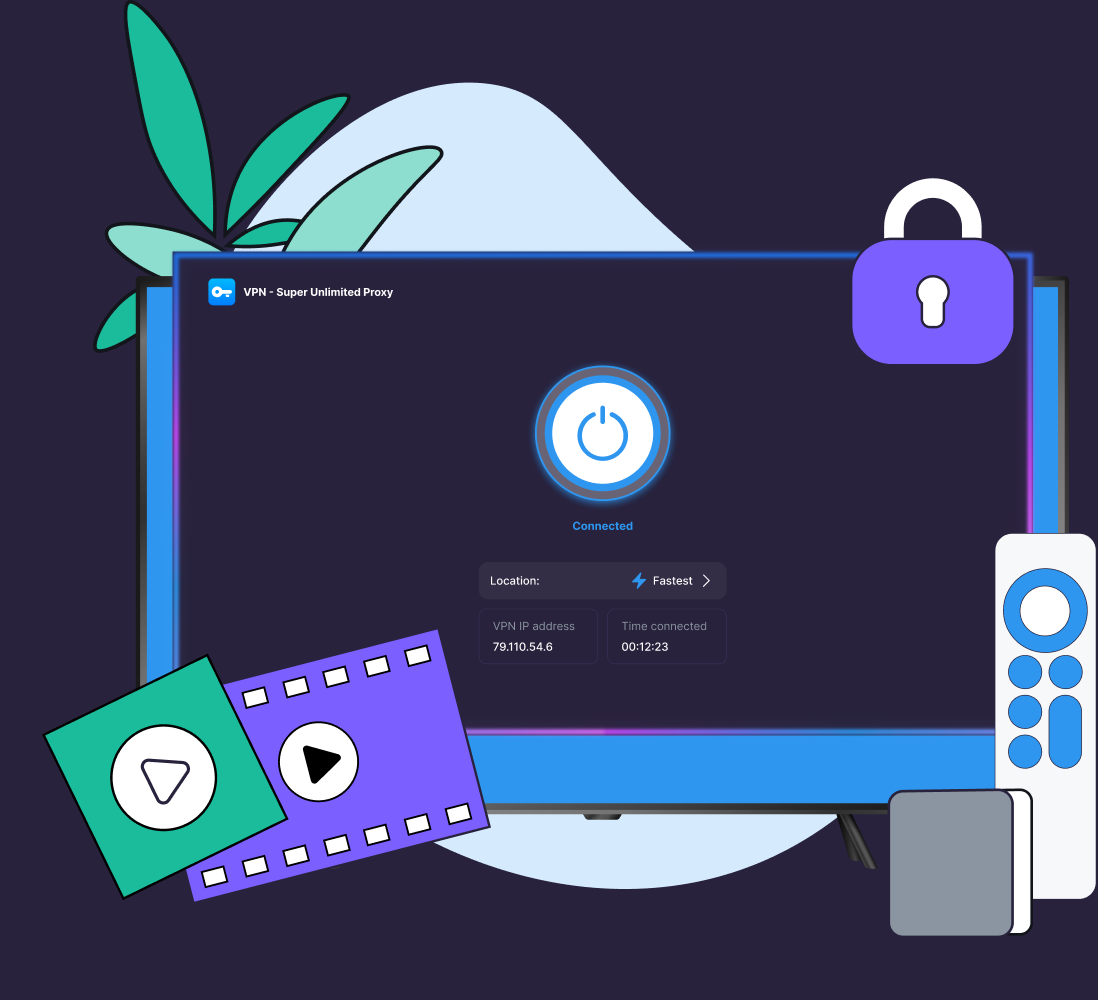
 35+ server locations
 Faster priority servers
VPN Super installs on Fire TV like any other Fire TV app, straight from the Amazon Appstore. Just make sure you have a Premium subscription first.
Compatibility note: The same three steps work across the Fire TV range, including Fire TV Stick, Fire TV Stick 4K and 4K Max, Fire TV Cube, and Fire TV Omni and 4-Series smart TVs. Fire TV runs Fire OS rather than Android TV, so it uses the Amazon Appstore instead of the Google Play Store.
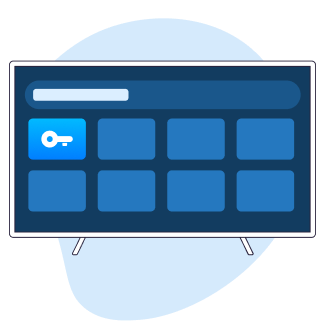
From your Fire TV home screen, open the Amazon Appstore (or use the search icon) and search for VPN Super.
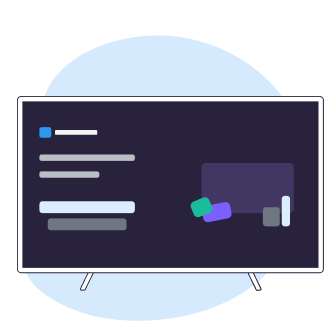
Install the app, then open it from your apps row. Sign in if you already have a VPN Super account, or create one here.

Pick a server location, then select "Connect". Once you see "Connected", your Fire TV is using the VPN.


VPN Super helps you maximize your Fire TV setup.

Take your Fire TV Stick with you and keep the setup you love even when you're abroad.
Stay secure on shared Wi-Fi in apartments or hotels.

Appear to be anywhere in over 35+ locations worldwide.
Cover all your family's devices with one Premium subscription.
One of the best apps you can get if you're trying to access content while traveling internationally or just for security.
This app has consistently allowed me to bypass geo-restrictions to watch content like Netflix, international sports, foreign YouTube channels that I can't access in my region.
VPN Super joins a growing number of VPN providers offering dedicated smart TV applications, giving users a simpler way to secure their streaming activity directly from their living room devices.
[The] TV app offers streaming-optimized servers built for smoother 4K playback, more than 35 server locations, and coverage for up to 10 devices on a single Premium subscription.
The connection is fast and stable, and it's very easy to use, even for beginners.
Open the Amazon Appstore on your Fire TV, search for "VPN Super", and install the app. Open it, sign in, choose a server location, and select "Connect". The same three steps work whether you have a Fire TV Stick, a Fire TV Cube, or a Fire TV Omni smart TV.
VPN Super runs across the Fire TV range, including Fire TV Stick, Fire TV Stick 4K and 4K Max, Fire TV Cube, and Fire TV Omni and 4-Series smart TVs. If your device has the Amazon Appstore on it, you can install the app directly.
No. VPN Super is available from the Amazon Appstore, so you can install it from your Fire TV directly without enabling apps from unknown sources or using a separate installer.
No. Fire TV runs Fire OS, which is based on Android but uses the Amazon Appstore rather than the Google Play Store. Devices such as Sony Bravia TVs, Google TV streamers, and Nvidia Shield run Android TV instead and install VPN Super from the Play Store.
Any VPN adds a small overhead because traffic is encrypted and routed through a server. With a Premium subscription to VPN Super, faster priority servers help keep HD and 4K streams smooth. If a stream feels slow, switch to a closer server location. Connecting to a server geographically closer to you usually gives the steadiest speeds.
Yes. A single Premium subscription covers up to 10 devices, so the same account protects your Fire TV alongside your phone, tablet, laptop, and PC.
A VPN can improve privacy by encrypting supported traffic and changing the IP address visible to some services. It does not make you completely anonymous, and it doesn't block every tracker or replace the privacy settings inside individual streaming apps.