
Stream YouTube TV privately with VPN Super
Encrypted privacy on public Wi-Fi and shared networks, plus Split Tunneling on Android for everything else.
Get VPN Super
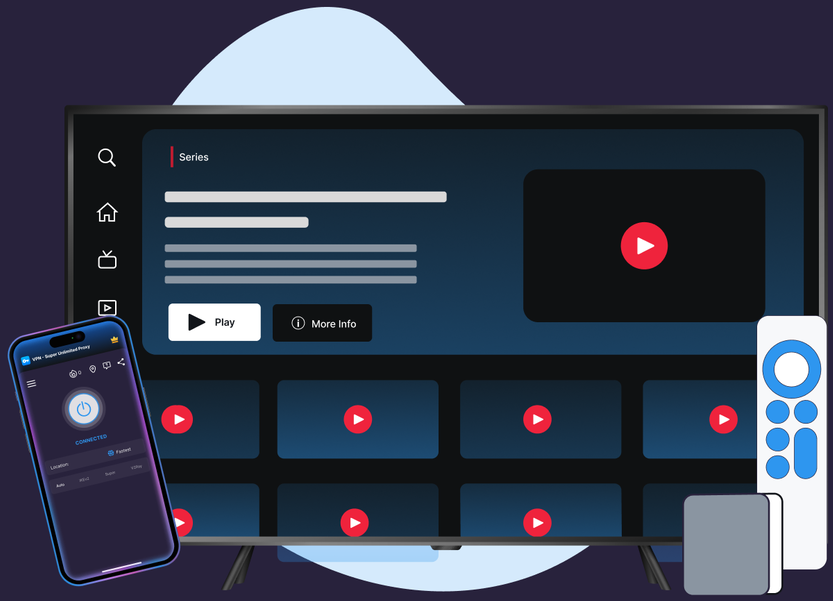
Encrypted privacy on public Wi-Fi and shared networks, plus Split Tunneling on Android for everything else.
Most streaming VPN pages imply you connect and stream. YouTube TV's own policy makes that promise impossible to keep.
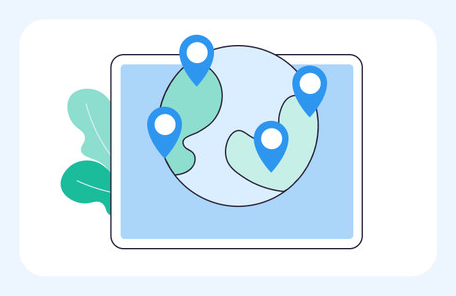
VPN Super's Fastest Location auto-picks the lowest-latency server for you, so you're not guessing which one to choose.
10Gbps servers are available in many locations, built to keep up with high-bitrate streaming.

No data caps. Stream as much as you want, for as long as you want.
Cover your phone, laptop, and TV on one subscription, up to 10 devices at once.
Premium unlocks 60+ countries and 100+ server locations. Free tier on iOS and Android includes a solid starter list to try first.
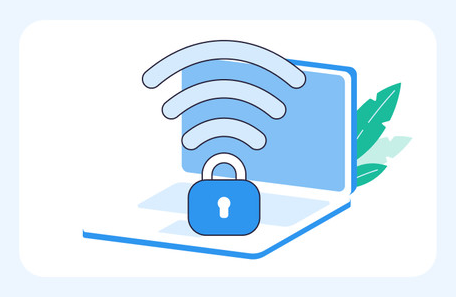
VPN Super encrypts your connection end to end, so your session stays private on public Wi-Fi, hotel networks, and anywhere else you connect.
Three steps, and your other traffic is covered whether YouTube TV is running or not.

.png)
.png)

Seeing a "proxy or VPN detected" message the moment you open YouTube TV? Disconnect VPN Super first, or switch on Split Tunneling if your device supports it.
YouTube TV itself needs your real connection. VPN Super covers the rest—your network, your other devices, and your other traffic.
"While connected to a VPN or proxy, you won't be able to stream content from YouTube TV, Primetime channels, and YouTube Channels who have chosen to restrict playback." — YouTube TV Help Center
YouTube TV also asks you to stream in your home area at least once every 3 months to keep local-channel access—a Google policy tied to your account, not your connection.

Café or hotel Wi-Fi is shared with strangers. VPN Super encrypts your connection, keeping your apps private.

VPN Super is engineered for streaming and downloads, with reliable speeds on congested or shared connections.

On Android and Android TV, Split Tunneling keeps YouTube TV outside the tunnel while the rest stays encrypted.

"With a VPN, you may only be shown TV shows and movies Netflix has worldwide licensing for."
iOS, Android, Windows, Mac, Apple TV, and Android TV—not yet Roku or Fire TV.
.webp)
.png)
Not for the video stream itself while it's active—YouTube TV blocks playback whenever it detects a VPN or proxy connection. VPN Super is built to protect your network, your other devices, and your other traffic instead.
That's YouTube TV's own detection system, not a VPN Super error. YouTube TV's Help Center states it directly: connected to a VPN or proxy, you won't be able to stream.
On Android and Android TV, yes—Split Tunneling lets you exclude the YouTube TV app from the tunnel so it streams directly while everything else on the device stays protected. On iOS, Windows, and Mac, disconnect VPN Super before opening YouTube TV.
Yes—YouTube TV asks you to use the service in your home area at least once every 3 months to keep local-channel access. That's Google's policy, not VPN Super's.
Using a VPN isn't illegal, but YouTube TV's own terms restrict VPN and proxy use for streaming. Check YouTube TV's terms directly for specifics.
VPN Super is engineered for streaming and downloads, with consistently reliable speeds across its server network—though results vary by network and location.
Android and Android TV. iOS and Apple TV can only route DNS separately, an Apple platform limit. Windows and Mac don't offer Split Tunneling yet.
VPN Super has apps for iOS, Android, Windows, Mac, Apple TV, and Android TV. There's no Roku or Fire TV app yet, so check your setup before subscribing.
Turn VPN Super on before and after your session, or, on Android and Android TV, exclude just the YouTube TV app with Split Tunneling. Either way, the rest of your traffic and devices stay protected while YouTube TV runs outside the tunnel.
One subscription, every device, a 30-day money-back guarantee.








 VPN for Windows
 VPN for Android
 VPN for iOS
 VPN for MacOS
 Apple TV
 Android TV